#
Doubao API Key Acquisition
Visit the VolcEngine official website and log in or register using your phone number or corporate email: https://www.volcengine.com
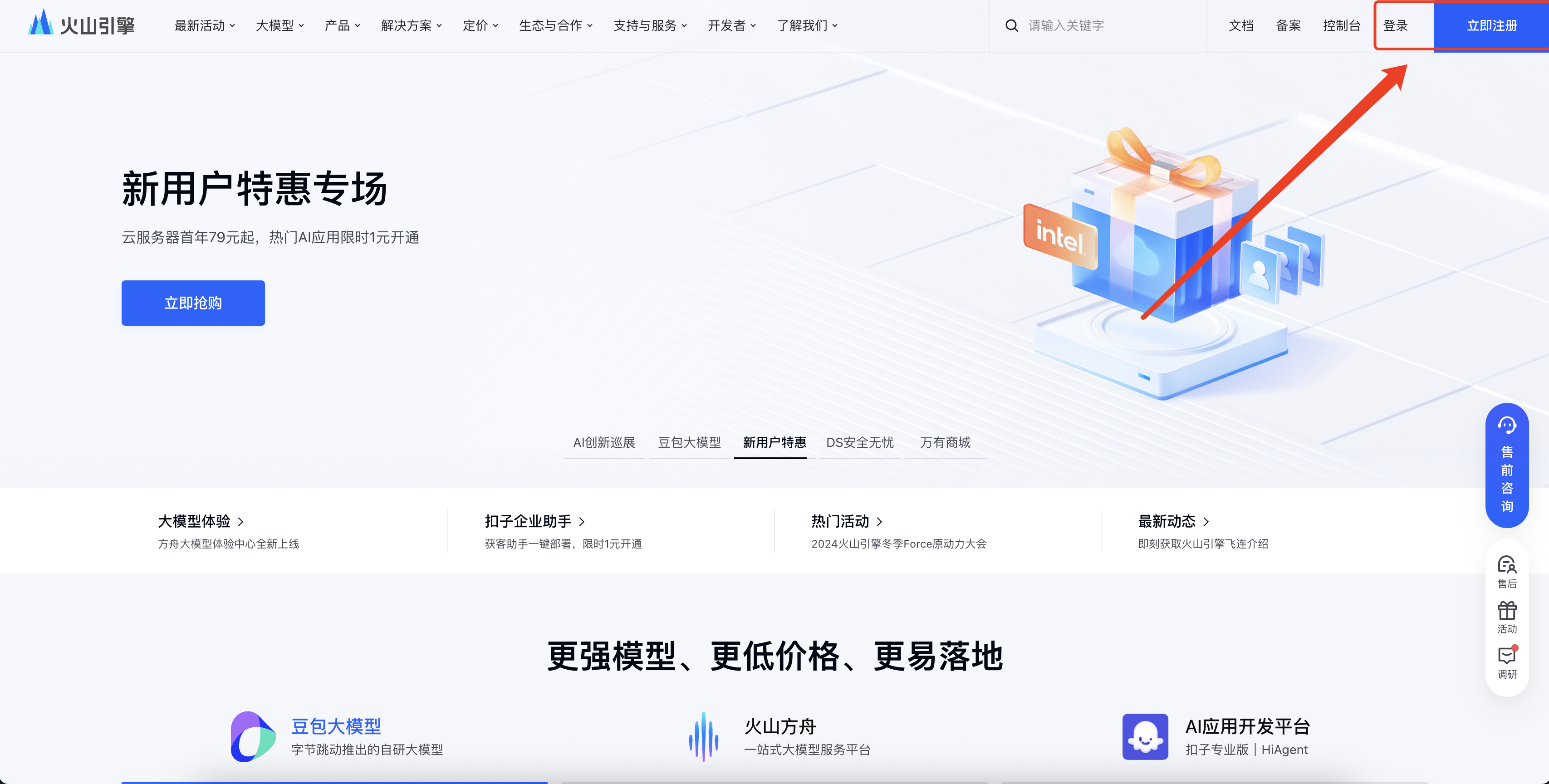
Access the console and complete personal or enterprise identity verification as prompted (requires providing ID documents or enterprise credentials).

After logging in, click "Large Models" in the top menu bar, then select "Volcano Ark".

On the Volcano Ark page, scroll down to the "API Building" section and click "Start Now".

In the left-hand menu, navigate to "API Key Management" and click "Create API Key".Copy the generated API key and store it securely.

Click to activate management.

Find the large language model you need to activate, and click "Activate Service" to complete the activation.
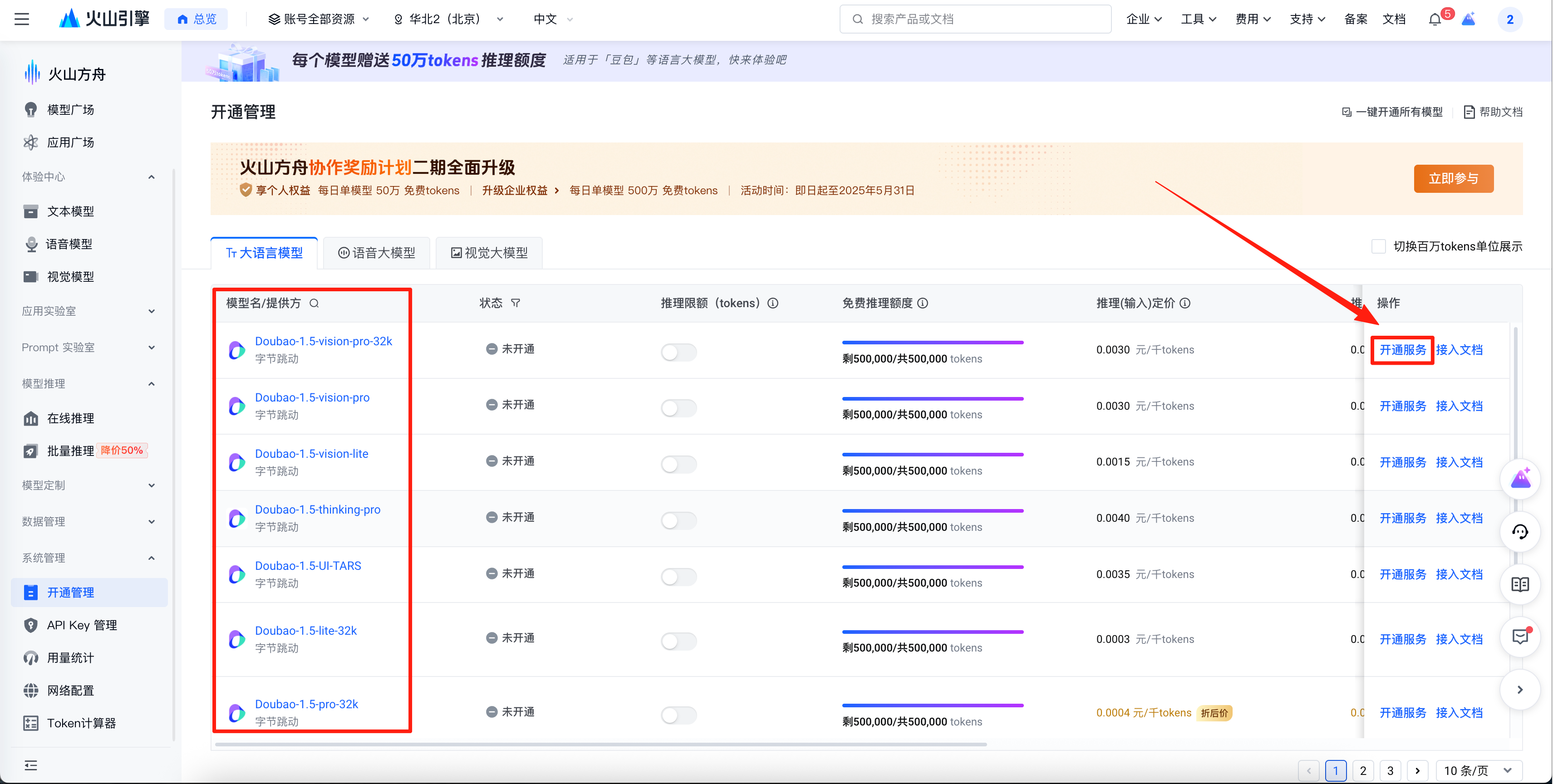
After activation is complete, the status bar will display "Activated," and the corresponding large language model will be available for use.
