#
OpenRouter
#
1. Email + Password Registration

Visit the OpenRouter registration page.
Enter a valid email address and password in the "Email address" and "Password" fields, check the box to agree to the terms of service, and click Continue.
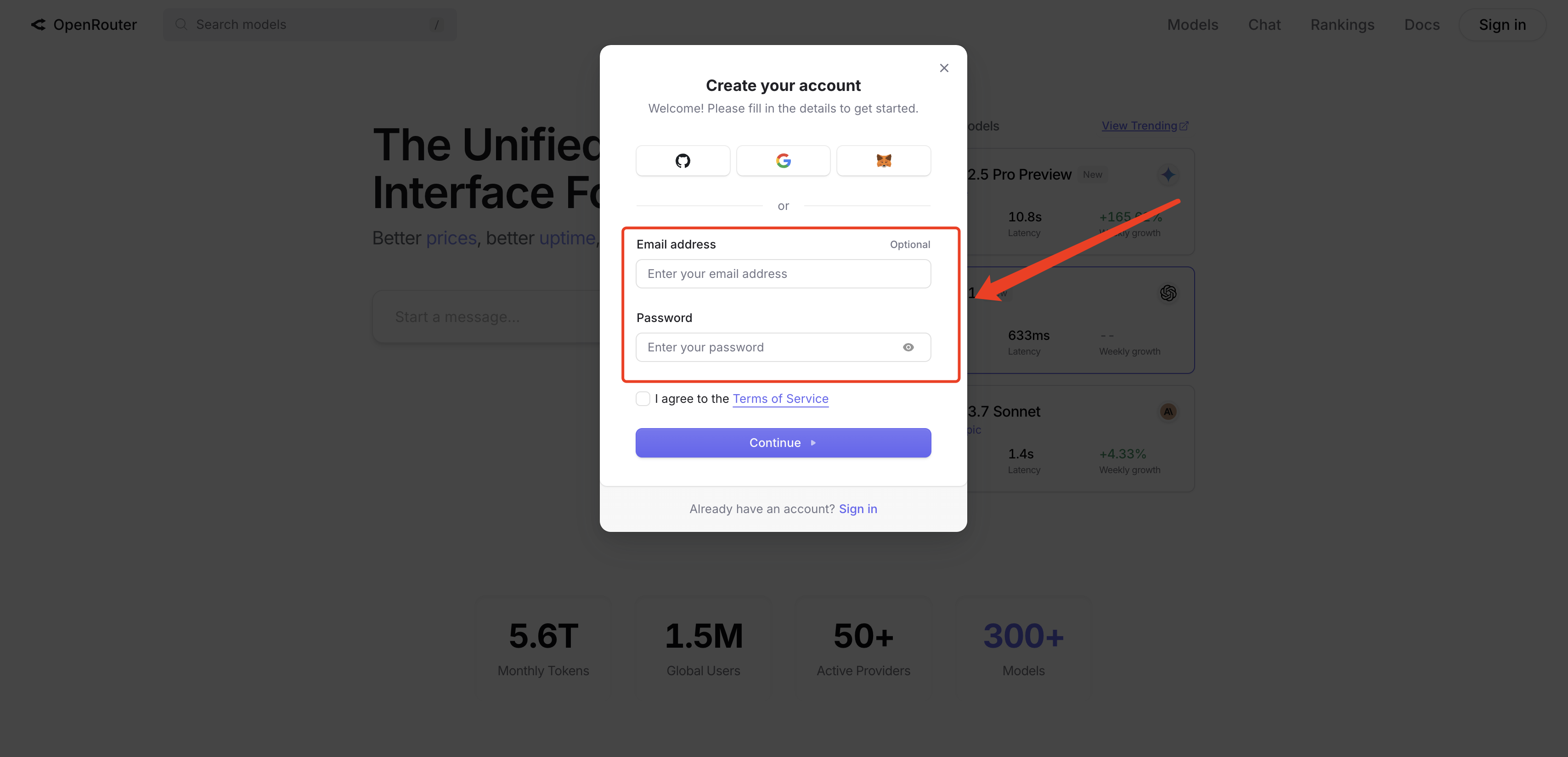
Log in to your email and click the verification link sent by OpenRouter to activate your account.
Tip: If you do not receive the verification email, check your spam folder or try registering with a commonly used Gmail/Outlook business email.
#
2. One-Click GitHub Login
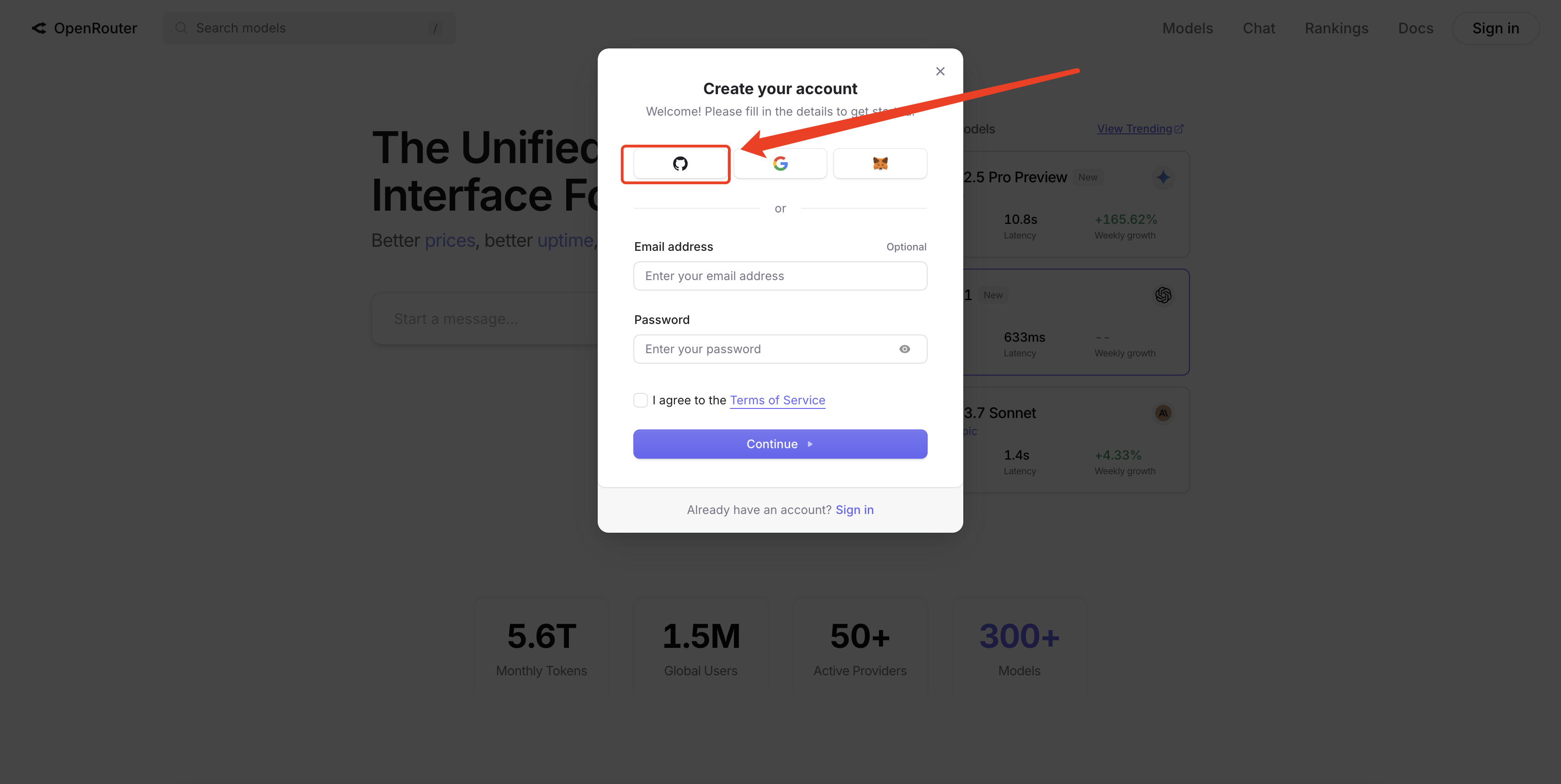
Click the "Sign in with GitHub" button on the registration page, and the system will redirect you to the GitHub authorization page.
After authorization, OpenRouter automatically creates and logs you into a new account associated with your GitHub account, without requiring an additional password setup.
Advantage: No need to remember a new password, and all subsequent logins are performed through GitHub.
#
3. One-Click Google Login

Click the "Sign in with Google" button on the registration page to complete authorization through Google OAuth.
After successful authorization, the system automatically creates and logs you into an OpenRouter account with that Google account, without requiring email verification codes.
Applicable scenario: Users who already have a Google ecosystem account and wish to register quickly without going through email verification steps.
#
4. MetaMask Wallet Login

Select "Sign in with MetaMask" on the registration page, and the browser will display the MetaMask extension or DApp interface.
After confirming the wallet signature, you will have completed the creation and login of your OpenRouter account.
Application scenario: Web3 users or those who wish to access and manage APIs without relying on email/passwords can directly use a blockchain wallet.
#
5. Other Considerations
Domestic availability: Stable access within China; you can directly register and log in using a Google business email or MetaMask to avoid restrictions from certain email service providers.
API Key: After registering and logging in, go to the avatar in the upper right corner → Settings → API Keys, and click Create Key to apply for a key used to call models.
Password reset: If you forget your password, you can click the "Forgot password" link on the login page to reset via email (applicable only for accounts registered with email + password).