#
OpenAI
#
1. Email + Password Registration
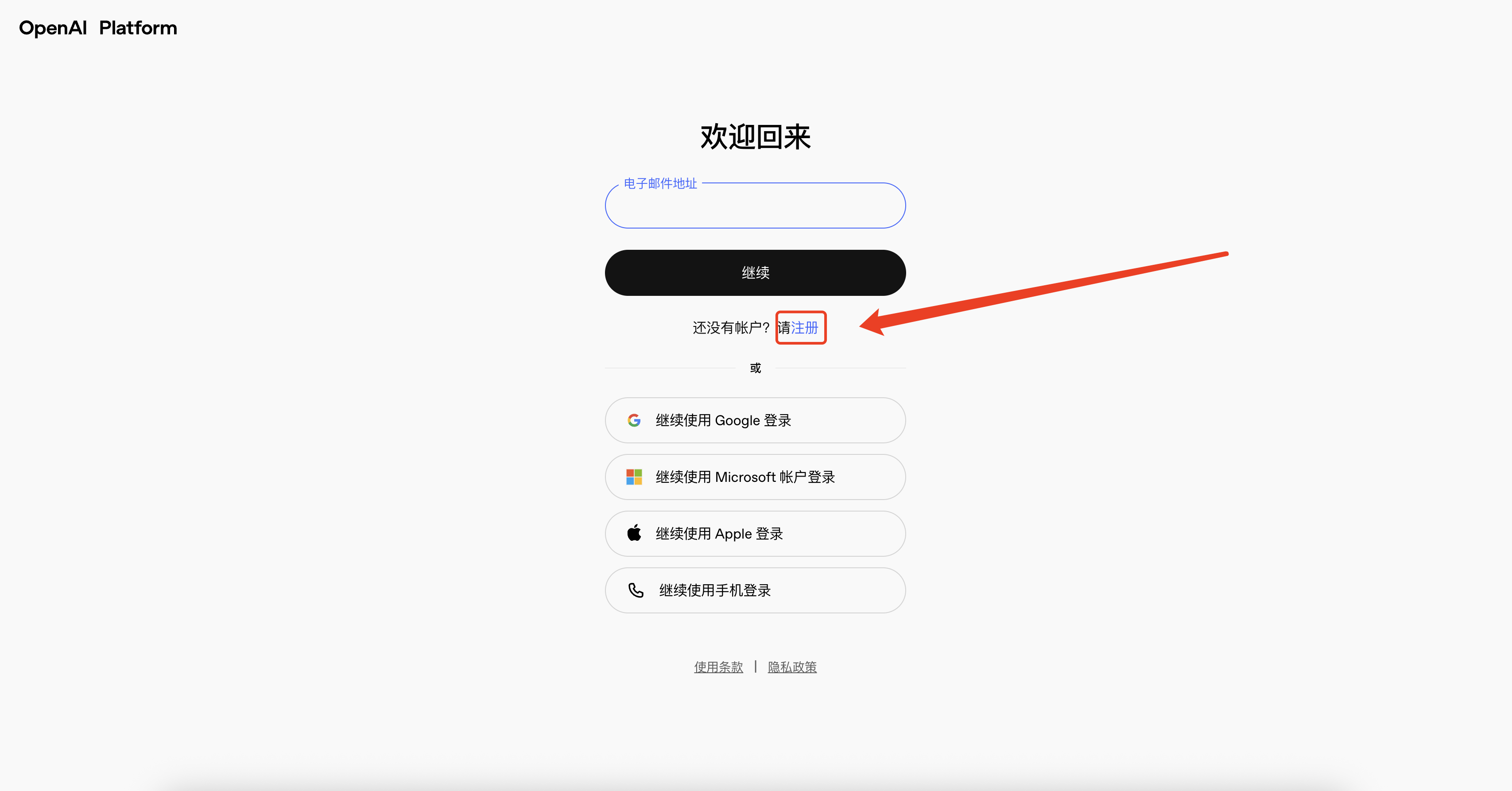
Process: Open the registration page (such as chat.openai.com/auth/signup or platform API address platform.openai.com/signup)。
Enter your email address and password in the "Username + Password" section, then click "Continue."
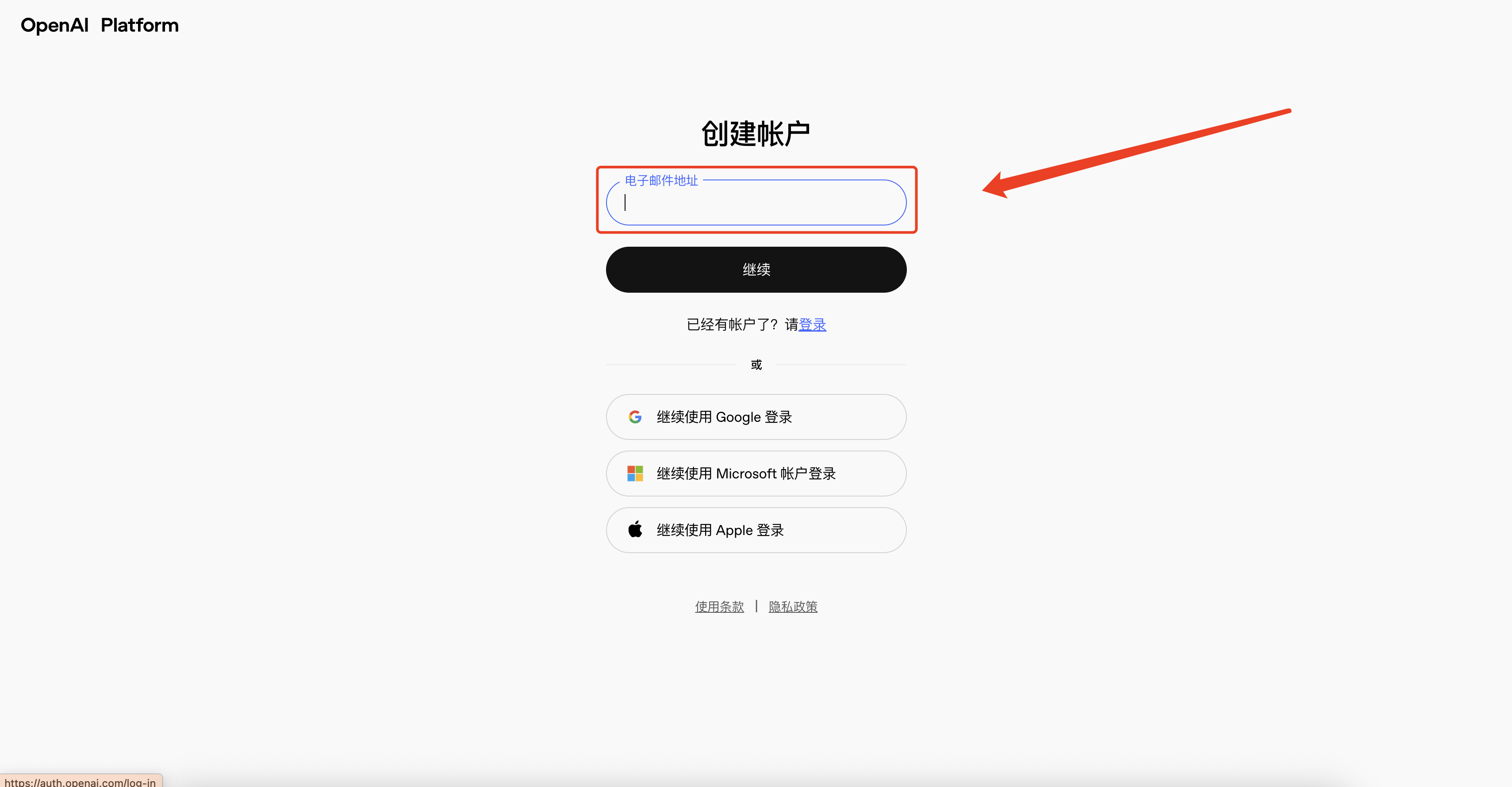
Log in to your email and click the verification link sent by OpenAI to complete email verification.
Fill in your name, birthday, and other information as prompted, then click "Agree" to begin using the service.
Feature: No need to rely on third-party accounts, suitable for users who do not wish to link Google/Microsoft accounts.
Note: If you later want to generate your first API key, you will still need to complete a phone number verification (domestic users can use SMS platforms for verification codes).
#
2. Google Login

Click the "Continue with Google" button on the registration page. After completing authorization through Google OAuth, you can log in and use the service directly without setting an additional password.
Applicable scenario: sers who already have a Google account and wish to register quickly, avoiding the need to remember multiple passwords.
Login consistency: Thereafter, you must log in using the same Google account; you cannot log in to the same account using email + password or other methods.
#
3. Microsoft Login

Click the "Continue with Microsoft" button on the registration page to complete registration through Microsoft OAuth authorization (Outlook/Hotmail/Live accounts).
Applicable scenario: Users who already have Microsoft ecosystem accounts and wish to link with Azure, Office 365, and other services.
Note: Similar to Google login, subsequent logins can only be made through this OAuth entry point.
#
4. Apple Login

Click the "Continue with Apple" button to initiate the Apple login process.
On the authorization screen, users can select "Hide my email" to ensure their real email address is not disclosed to third parties. Note: Similar to Google login, subsequent logins can only be made through this OAuth entry point.
After users confirm with Face ID/Touch ID or by entering their Apple ID password, Apple returns an authorization code and ID token to OpenAI. The OpenAI backend uses this authorization code to exchange user identity tokens with Apple's token endpoint, and upon successful verification, creates or logs into the corresponding ChatGPT account.