#
pygmalion.chat
Visit the website: pygmalion.chat
Browse and select your favorite character on the webpage

Click to enter the character card page

Click the download button at the bottom

Locate "V2 PNG Card" and "Raw JSON" to download the PNG image or JSON file

Click the buttons to download the PNG or JSON file, then import them into Tavo for PNG/JSON import(Note: Import failures may occur if the character is private and not authorized for platform use)

About iOS Solution for Not Finding Downloaded Files⬇️
After downloading PNG/JSON files, click this download button.

Click Download.

Click Download to Files.
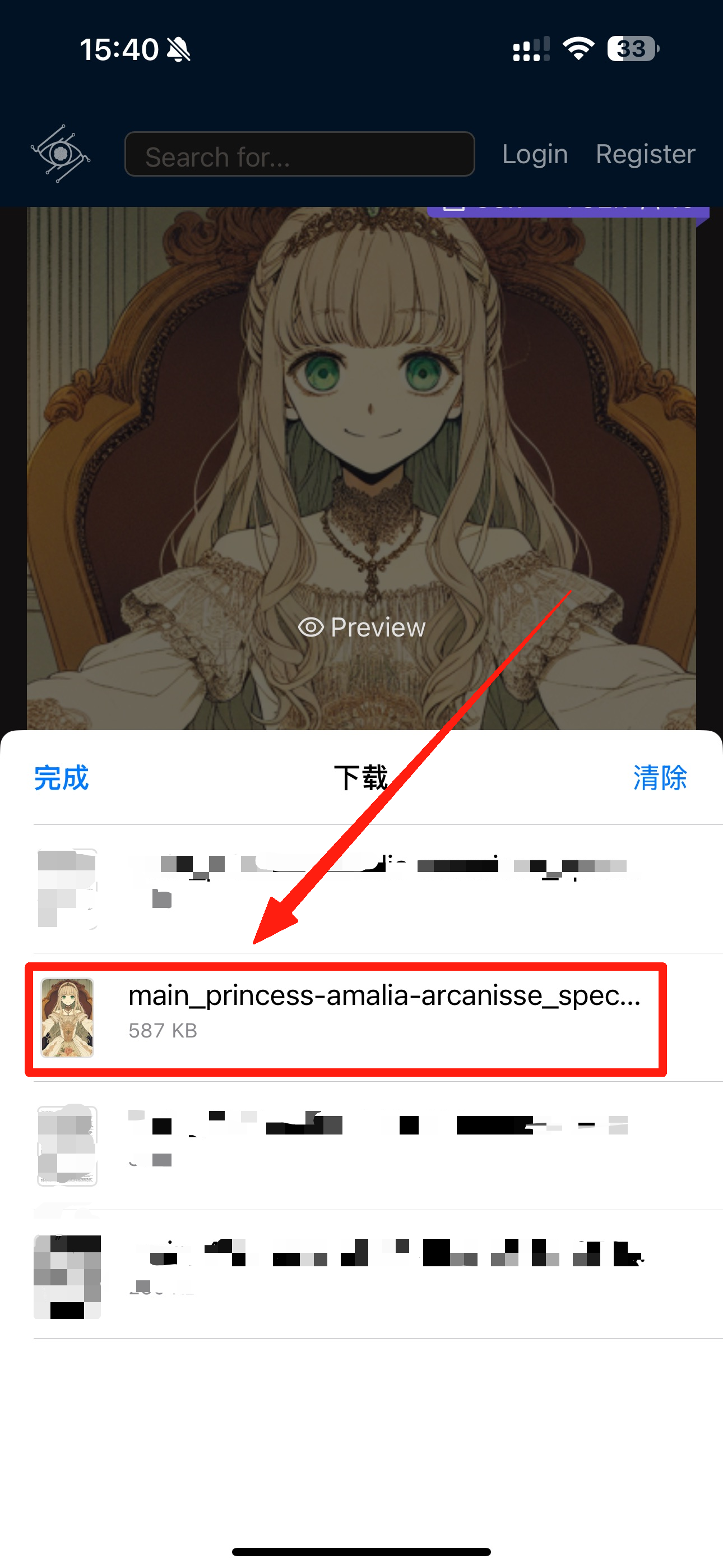
Click the arrow at the top, then select save to "Files"

You can then find the downloaded PNG/JSON files in the folder.
